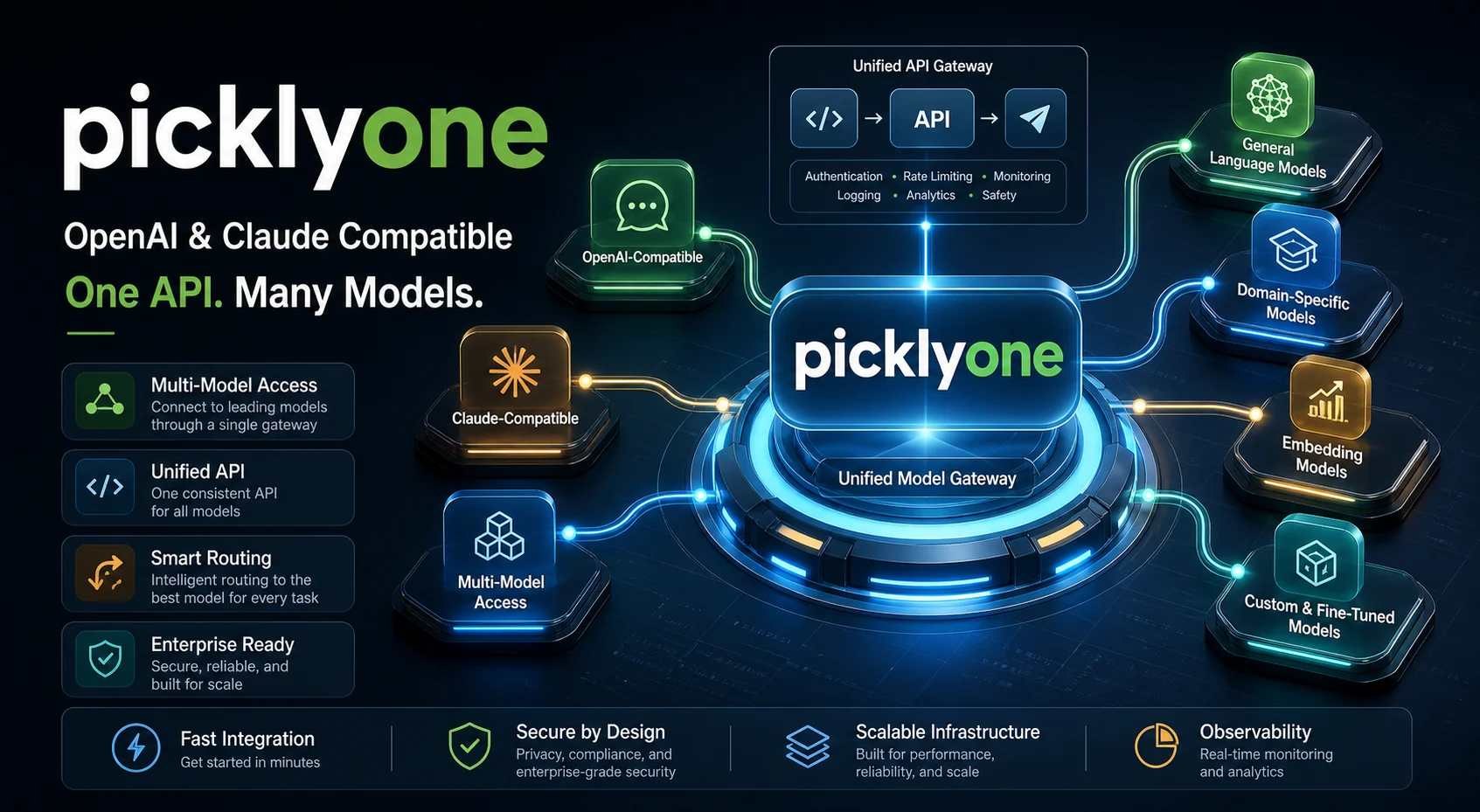
In one sentence
Any SDK + any model = it just works.
Point your base_url at api.tokensmart.ai, then:
- Use the OpenAI SDK to call
gpt-5.5,claude-opus-4-7,deepseek-v4-pro,gemini-2.5-pro— change a singlemodel=field - Use the Anthropic SDK to call
claude-opus-4-7,gpt-5.5,deepseek-v4-pro— same one-line switch - Use curl against either endpoint —
/v1/chat/completionsor/v1/messages
No code changes, swap models freely.
Why this matters
Vendors' official SDKs each speak only their native protocol: the OpenAI SDK targets /v1/chat/completions, the Anthropic SDK targets /v1/messages. If your project historically standardized on the OpenAI SDK and now you want to use Claude, you typically have to:
- Install
anthropic-sdk - Rewrite your call sites
- Maintain two parallel paths for logging and error handling
Tokensmart's protocol layer eats that complexity. One gateway speaks both languages, so you can stay in whichever SDK you already know.
Protocol × Model = full matrix
OpenAI SDK / /v1/chat/completions | Anthropic SDK / /v1/messages | |
|---|---|---|
| GPT-5.5 / GPT-5 | ✓ native | ✓ converted |
| Claude Opus / Sonnet 4.x | ✓ converted | ✓ native |
| DeepSeek V4 / V3 | ✓ native | ✓ converted |
| Gemini 2.5 Pro / Flash | ✓ compatible | ✓ converted |
| Qwen / Kimi / GLM | ✓ native | ✓ converted |
Whichever SDK you use, you can call any model on the other side.
Code samples: same model, two SDKs
Calling Claude with the OpenAI SDK
from openai import OpenAI

client = OpenAI(
    api_key="pk_live_...",
    base_url="https://api.tokensmart.ai/v1",
)

resp = client.chat.completions.create(
    model="claude-opus-4-7",  # Claude model, OpenAI SDK
    messages=[{"role": "user", "content": "Explain distributed transactions"}],
)
print(resp.choices[0].message.content)
Calling GPT with the Anthropic SDK
import anthropic

client = anthropic.Anthropic(
    api_key="pk_live_...",
    base_url="https://api.tokensmart.ai",
)

msg = client.messages.create(
    model="gpt-5.5",  # GPT model, Anthropic SDK
    max_tokens=2048,
    messages=[{"role": "user", "content": "Explain distributed transactions"}],
)
print(msg.content[0].text)
Both work. The SDK you already know is the right SDK for you.
Pricing page upgrade: see at a glance which protocol each model speaks
Head to the Pricing page. Beyond prices, every model row now carries explicit protocol tags:
- OpenAI tag → callable via
/v1/chat/completions - Claude tag → callable via
/v1/messages - Both tags → pick whichever SDK you prefer (true for most models)
The pricing page also got three UX upgrades in the same release:
- Sticky top toolbar — search, provider filter, format filter, and sort dropdown stay reachable as you scroll
- Three sort modes — by provider, by input price ↑, by output price ↑, for easy side-by-side comparison
- Format filter — narrow the list to only Claude-compatible or only OpenAI-compatible models
Which protocol should I use?
Quick decision tree:
- Existing OpenAI SDK code → don't touch it; just point
base_urlat tokensmart and swap model names - Existing Anthropic SDK code → don't touch it; just point
base_urlat tokensmart and swap model names - Brand-new project → OpenAI SDK has the broader ecosystem and more community examples; either side is fine
- Need streaming + tool calls + caching → both protocols fully support all three with consistent behavior
Roadmap
Up next:
- Higher-fidelity protocol conversion — polishing edge cases (deeply nested tool_use, unusual stop_reason values)
- Responses API everywhere — already enabled on the sub2api family, expanding to more upstreams
- More model coverage — newer Chinese models (GLM-5, Kimi K2), video generation (feasibility study underway)
Got a specific use case or vendor you want prioritized? Tell us in the enterprise WeChat group or email support@tokensmart.ai 🙌